Best uses
- Learn how text characters map to binary.
- Create examples for computer science lessons.
- Encode simple words into readable 8-bit groups.
Convert text to 8-bit binary online, learn how ASCII-style character encoding works, and review examples, checks, FAQs, and limitations.
Each character in a text string has a numeric character code. This tool reads each character, converts that code to binary, and pads the result to 8 bits so the output is easier to read and compare.
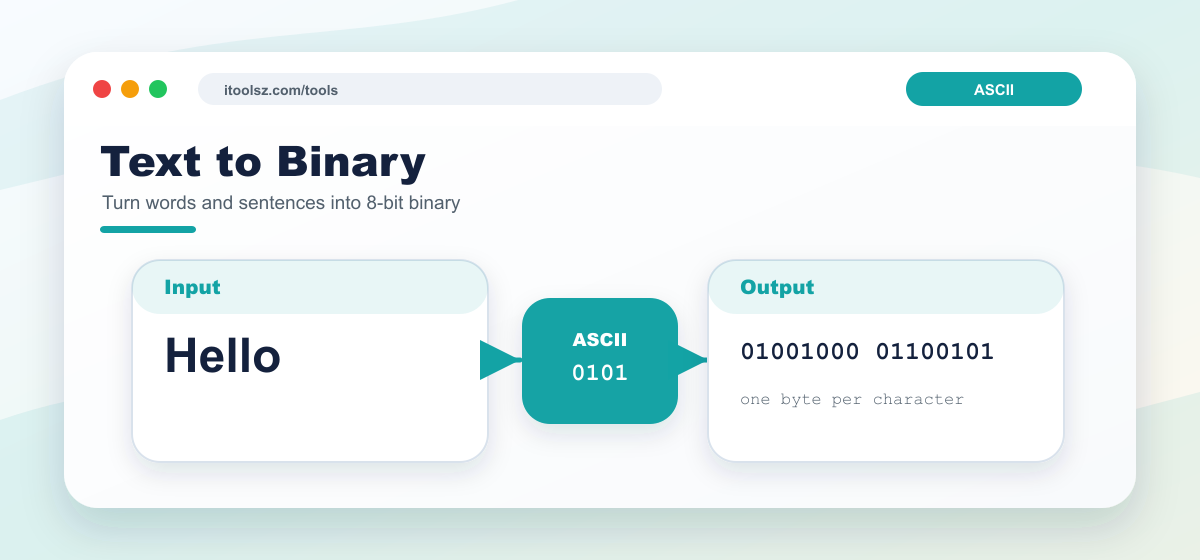
Input:
Hello world! AI is transforming everything.
Converted binary:
	01001000 01100101 01101100 01101100 01101111 00100000
	01110111 01101111 01110010 01101100 01100100 00100001
	00100000 01000001 01001001 00100000 01101001 01110011
	00100000 01110100 01110010 01100001 01101110 01110011
	01100110 01101111 01110010 01101101 01101001 01101110
	01100111 00100000 01100101 01110110 01100101 01110010
	01111001 01110100 01101000 01101001 01101110 01100111
	00101110
This converter is helpful for computer science homework, ASCII lessons, programming examples, and quick checks when you need to show how a word or sentence appears as binary. It is also useful for teachers and students who want a readable byte-by-byte result instead of one long unbroken string.
Each 8-bit group in the output represents one character from the input. For example, uppercase and lowercase letters have different character codes, so A and a produce different binary values. Spaces, punctuation marks, and line breaks can also appear in the binary output because they are characters too.
Text to binary conversion shows how characters can be represented as binary values. Most simple examples use ASCII-style 8-bit groups for letters, numbers, spaces, and punctuation.
No. Binary text is only encoded. Anyone can decode it if they know the character encoding.
Many common text examples use one byte, or 8 bits, for each basic ASCII character.