Best uses
- Decode simple binary messages into readable text.
- Check text-to-binary examples from class or tutorials.
- Understand how characters can be stored as numbers.
Convert binary code to readable text online, decode 8-bit groups, and review ASCII examples, checks, FAQs, and common decoding mistakes.
Use this binary to text converter to turn groups of 0s and 1s into readable characters. It is useful for checking ASCII examples, decoding practice strings, and learning how text can be represented in binary form.
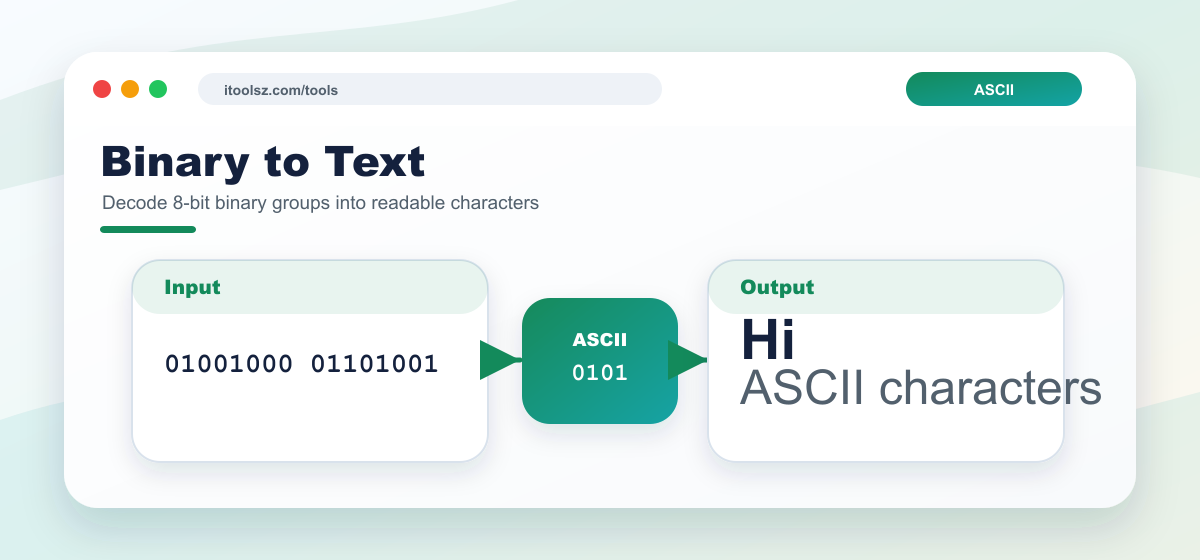
01001000, 01100101.
Input Binary:
01001000 01100101 01101100 01101100 01101111
Step-by-step:
01001000 → 72 → H
01100101 → 101 → e
01101100 → 108 → l
01101100 → 108 → l
01101111 → 111 → o
Output Text: Hello
Binary text conversion is useful when you are studying ASCII, checking encoded examples from a programming lesson, or testing how simple characters are stored as bytes. It can also help when you receive a binary practice string and want to confirm the readable message without converting every byte by hand.
01001000 01101001.Why does spacing matter? Binary text is normally read in 8-bit groups. If a digit is missing or an extra digit is added, the following groups can shift and produce incorrect characters.
Does this decode every type of binary file? No. This page is intended for text-style binary values. Binary data from images, documents, or compressed files is not meant to be pasted here as readable text.
Binary to text conversion decodes groups of bits into characters. For ordinary ASCII text, each character is usually represented by an 8-bit binary group.
For basic ASCII examples, one byte contains 8 bits and represents one character.
Check for missing bits, extra characters, or a different encoding such as Unicode.