Image Compressor

About Our Image Compressor

Use this online image compressor to reduce file size before uploading images to websites, sending them by email, or storing them on your device. The tool supports common image formats and lets you download compressed files individually or together in a ZIP file.
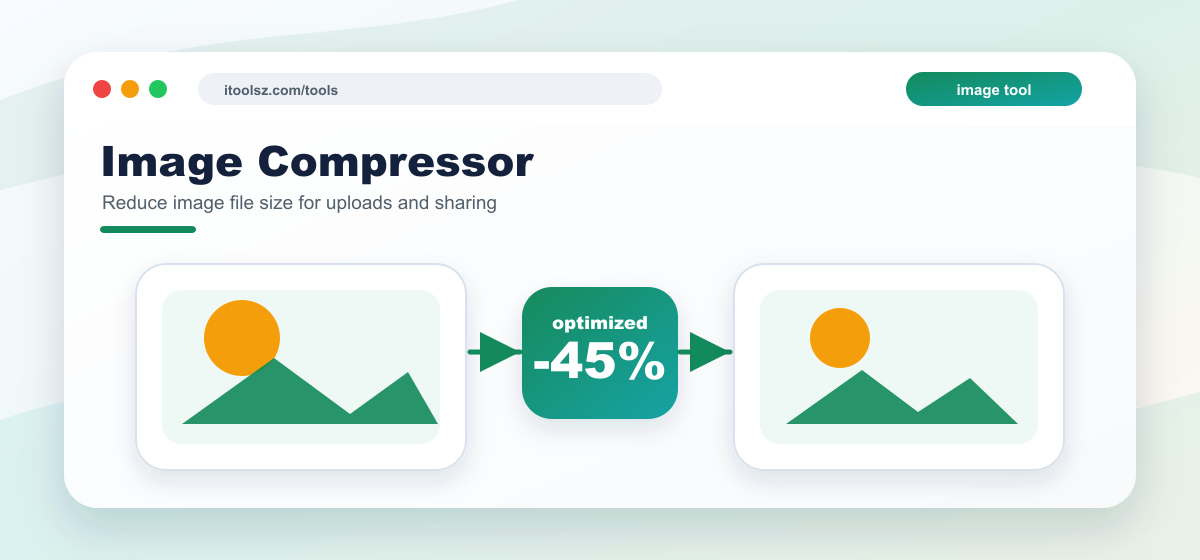
Online Image Compressor

What this image compressor does

  • Batch Image Compression:
    Compress multiple images in one batch so you can prepare several files for upload or sharing.
  • Real-Time Image Preview:
    See exactly what you're working with. Our live preview feature displays your uploaded images, so you can confirm and adjust before compressing.
  • Balanced file-size reduction:
    Compression aims to reduce file size while keeping images usable for common web and sharing needs.
  • One-Click ZIP Download:
    After compression, download all your files in a single ZIP file or download individual results.
  • Cross-Platform Compatibility:
    The tool is designed for modern desktop and mobile browsers. Very large files or unusual image encodings may not process correctly.

How to Use the Image Compressor:

  1. Upload Image Files:
    Click the file input or drag and drop your images into the uploader. You can select multiple images at once.
  2. Preview Images:
    Instantly see thumbnails of your uploaded files in the preview area. This ensures you're compressing the right images.
  3. Compress Images:
    Hit the “Compress!” button. Our tool will process all images and reduce their file size.
  4. Download Your Files:
    Once the compression is complete, click “Download All” to get a ZIP file containing your compressed images.

Benefits of Compressing Images:

  • Faster Website Loading: Smaller image sizes mean your website will load faster for visitors, improving user experience and SEO.
  • Save Storage Space: Compressed images take up less storage space on your devices and servers.
  • Improved SEO: Faster loading times can lead to better search engine rankings.

Supported input formats

PNG, JPG, JPEG, WebP, GIF, TIFF, BMP, AVIF, and HEIC files are accepted by the uploader. Browser support and server image-library support can affect whether every file is processed successfully.

Compression limits

Each image should be under 10 MB. Compression may reduce visible quality, especially on detailed photos, gradients, and images that have already been heavily compressed.

Image privacy and temporary files

Uploaded images are used for the compression task and generated outputs are treated as temporary files. The site schedules image output cleanup after processing. Do not upload sensitive, private, illegal, or copyrighted files that you are not allowed to process.

Image compression FAQ

Will compression change image quality?

Usually yes, at least slightly. The goal is to make the file smaller while keeping the image acceptable for normal use.

Why is my compressed file still large?

Some images are already optimized, and some formats or dimensions cannot be reduced much without stronger quality loss.

When should I compress images?

Compress images before uploading to websites, attaching to emails, or sending over slow connections.

Image compression guide

Use this tool to reduce image file size before uploading, emailing, or publishing. Compression is most useful when the file is larger than needed for the screen size or upload limit.

Best uses

  • Shrink images for websites, forms, email attachments, and chat apps.
  • Batch process multiple images before uploading them.
  • Reduce storage size while keeping images usable.

Quality checks

  • Compare the compressed image with the original at the size people will actually view it.
  • Keep an original copy if the image is important.
  • Use a smaller image dimension too if the file is still too large.

Common mistakes

  • Compressing the only copy of an important image.
  • Expecting heavy compression to look identical to the original.
  • Uploading extremely large batches on a slow connection.

Quick answers

Will compression reduce quality?

Usually yes, but good compression aims to reduce file size while keeping the image visually acceptable.

Why is my image still large?

Some images are already compressed, very detailed, or high resolution. Resizing dimensions can help more than compression alone.