Best uses
- Expand hex colors, masks, memory addresses, or byte values.
- Practice base-16 to base-2 conversion.
- Check programming examples bit by bit.
Convert hexadecimal numbers to binary online by mapping each hex digit to four bits, with examples, checks, FAQs, and conversion mistakes.
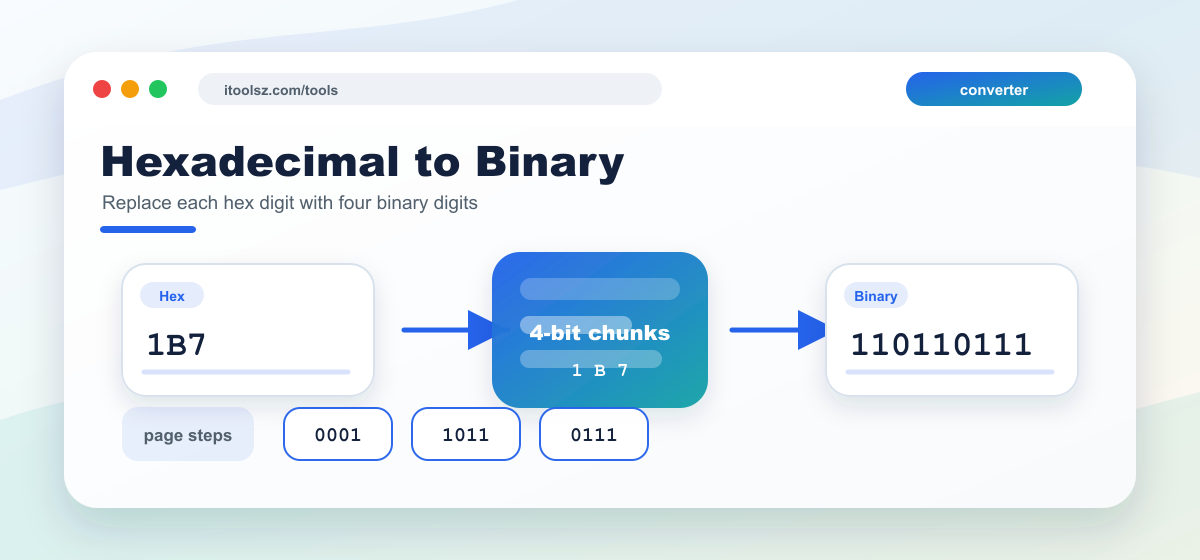
To convert hexadecimal to binary, replace each hexadecimal digit with its 4-bit binary equivalent. This works because 24 = 16, so one hexadecimal digit represents four binary digits.
Note: Leading zeros can be removed from the final binary result when they are not needed.
After converting every digit, join the four-digit groups in the same left-to-right order. For fractional hexadecimal values, convert the digits after the radix point in exactly the same way and keep the resulting binary point in the same position.
(1B7.1A)16 = (?)2
| Hexadecimal= | 1 | B | 7 | . | 1 | A |
|---|---|---|---|---|---|---|
| Arrow= | ↓ | ↓ | ↓ | ↓ | ↓ | |
| Chunk= | ______ | ______ | ______ | ______ | ______ | |
| Binary= | 0 0 0 1 | 1 0 1 1 | 0 1 1 1 | . | 0 0 0 1 | 1 0 1 0 |
Hexadecimal is often used as a shorter way to write binary values. You may see it in color codes, memory addresses, debugging output, checksums, and low-level programming examples. Converting it to binary makes the individual bits easier to inspect.
| Hexadecimal | Binary |
|---|---|
| 0 | 0000 |
| 1 | 0001 |
| 2 | 0010 |
| 3 | 0011 |
| 4 | 0100 |
| 5 | 0101 |
| 6 | 0110 |
| 7 | 0111 |
| 8 | 1000 |
| 9 | 1001 |
| A | 1010 |
| B | 1011 |
| C | 1100 |
| D | 1101 |
| E | 1110 |
| F | 1111 |
Hexadecimal to binary conversion is direct because each hex digit equals four binary bits. Replace each digit with its 4-bit value.
Four binary bits represent values from 0 to 15, matching one hexadecimal digit.
F is decimal 15, so it is 1111 in binary.